
Seedance 2.0 — for shots built from several visual anchors
Choose this model when the brief depends on more than a sentence or one opening image. Its family spans lightweight trials through high-definition, source-heavy production.
Text-Directed AI Video
Start with the scene you need rather than a provider dashboard. BestAIVideo turns one written direction into a reusable production record, then lets you test compatible video models without re-entering the shot, camera, timing, or sound plan.
Start with the scene you need rather than a provider dashboard. BestAIVideo turns one written direction into a reusable production record, then lets you test compatible video models without re-entering the shot, camera, timing, or sound plan.
 Direct action, camera, and atmosphere
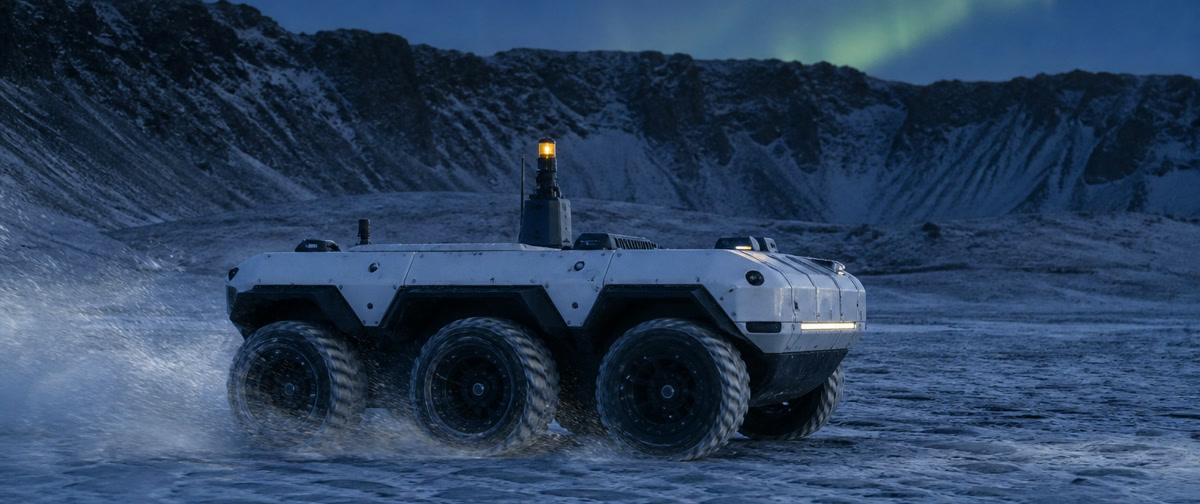
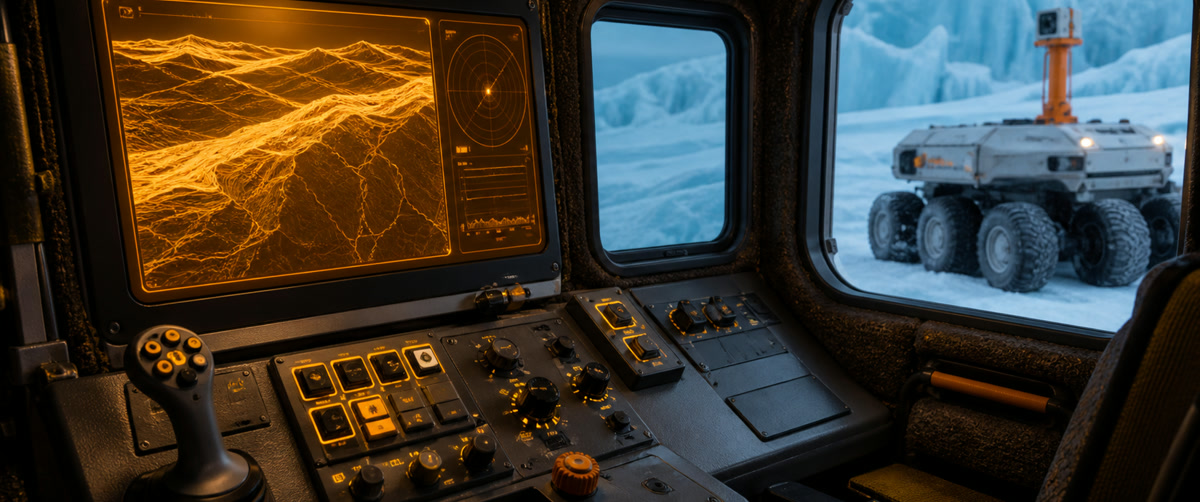
Text-Directed AI Video

Rather than a single visual concept, prompt composition, character actions, lens movement, atmosphere, and sound to form a complete scene. Keep this decision in your brief so revisions stay easy to compare.
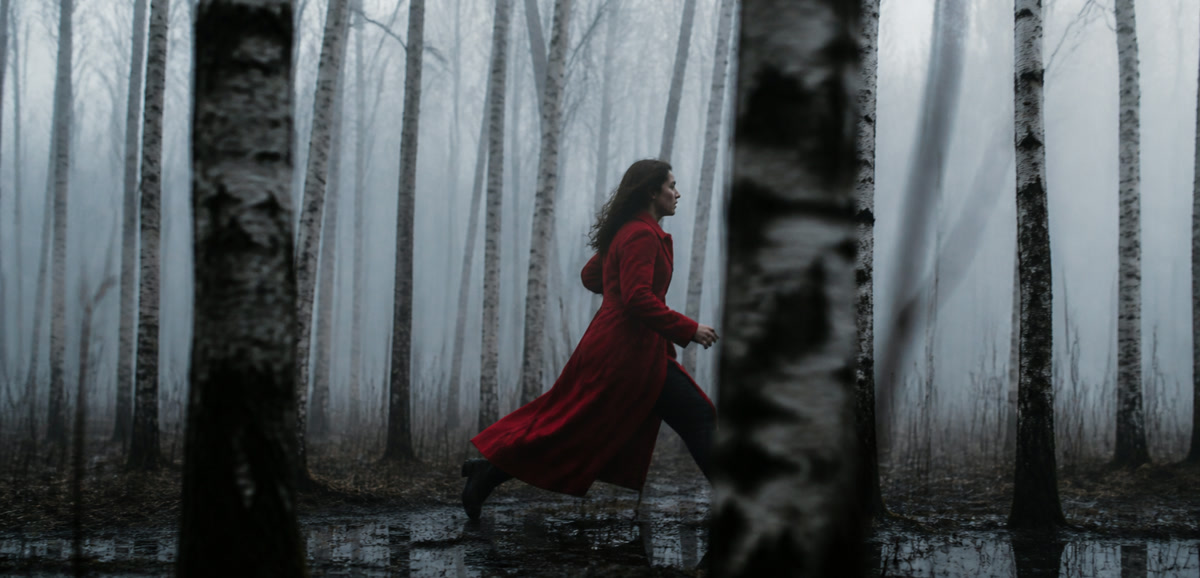
Use the same creative brief across compatible models and choose the option that best suits your motion, visual style, speed, or output quality. Keep this decision in your brief so revisions stay easy to compare. Add this choice to the brief so each revision has a clear reference.

Set the supported aspect ratio, length, resolution, and audio behavior for movies, short dramas, ads, and vertical social videos. Keep this decision in your brief so revisions stay easy to compare.
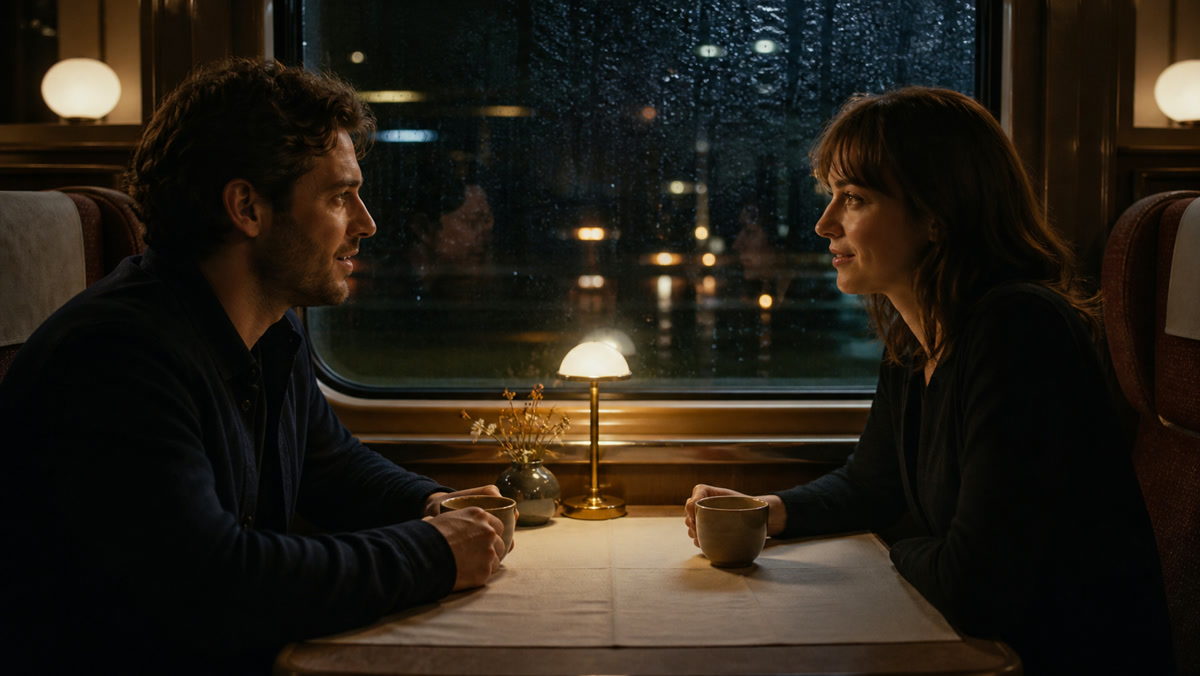
Return to previous results, prompts, and model settings so you can easily compare and reproduce successful shot directions. Keep this decision in your brief so revisions stay easy to compare.
Model routing for text prompts
Choose this model when the brief depends on more than a sentence or one opening image. Its family spans lightweight trials through high-definition, source-heavy production.
The Lite tier makes frequent exploration practical, while the broader family leaves room for richer reference packages and higher-definition delivery.
Choose Kling when a single action needs room to develop or when the beginning and end of the shot are already designed.
Wan is useful when the workflow begins with a brief or still but may later need a source-guided variation or direct transformation of existing footage.
From the first idea to the generated shot in three clear steps. Keep this decision in your brief so revisions stay easy to compare.
Describe who or what will appear, what will happen, where the scene will take place, and how the camera will move. Add lighting, style, dialogue, or atmosphere if it's important. Keep this decision in your brief so revisions stay easy to compare.
Select a compatible AI video model and adjust the available length, aspect ratio, resolution, and audio options for the shot you want. Keep this decision in your brief so revisions stay easy to compare. Add this choice to the brief so each revision has a clear reference.
Create videos, review them in your generation history, and preserve prompts and settings to serve as a starting point for the next version. Keep this decision in your brief so revisions stay easy to compare. Add this choice to the brief so each revision has a clear reference.
Turn a scene outline into motion studies before committing to a full production route.
Compare hooks, actions, and visual directions without preparing a new source image for every idea.
Convert a lesson or explanation into structured visual beats that can be reviewed shot by shot.
Describe places, events, and camera paths that do not yet exist as approved artwork.
Keep the core message stable while testing alternate pacing, formats, and openings.
Frequently asked questions about creating AI videos from written prompts in BestAIVideo. Keep this decision in your brief so revisions stay easy to compare.
Text-to-video AI interprets written prompts and creates moving sequences without the need for source images. A useful prompt defines the subject, environment, action, camera position, movement, lighting, and visual tone. The system you choose then determines how those instructions appear over time. This suits concept takes, advertisements, social clips, storyboards, and visual experiments. Results still vary by system, so treat the first creation as a draft and adjust the prompt when movement, composition, or continuity needs more control. Keep the review grounded in the actual output. For a reliable production review, turn this guidance into a brief before running the next test. State the intended audience and delivery channel, list the references that establish identity or style, and note which details must remain unchanged. Keep the camera endpoint, timing, sound cues, and approval threshold beside the plan. Inspect the returned media at the size where it will actually be published, identify the first meaningful mismatch, and make one controlled revision. Preserve a successful take as a baseline so another editor can understand the evidence and reproduce the decision without spending credits on unrelated experiments.
Start with one clear subject in a specific place, then describe what happens in chronological order. Add takes size, camera movement, lighting, mood, and style only when those details serve the sequences. A direction such as "the camera slowly tracks backward as the cyclist approaches" gives the system a readable action instead of a pile of unrelated adjectives. Keep the important action within the chosen duration, remove conflicting camera instructions, and put the highest-priority details near the beginning. Keep the review grounded in the actual output. For a reliable production review, turn this guidance into a brief before running the next test. State the intended audience and delivery channel, list the references that establish identity or style, and note which details must remain unchanged. Keep the camera endpoint, timing, sound cues, and approval threshold beside the plan. Inspect the returned media at the size where it will actually be published, identify the first meaningful mismatch, and make one controlled revision. Preserve a successful take as a baseline so another editor can understand the evidence and reproduce the decision without spending credits on unrelated experiments. For an accountable handoff, keep the brief beside the test result and note the intended audience, playback surface, asset roles, timing checkpoints, audio priorities, and approval threshold. Compare the actual media at the size and speed where it will be used, identify the first material difference, and change one cause at a time. This leaves a reproducible trail for another editor, keeps successful work available as a baseline, and prevents a new experiment from mixing unrelated variables or spending credits without a clear question. When a result is accepted, record why it passed; when it is rejected, record the visible issue and the next measured adjustment. The goal is a review that can be understood later, not a promise that every generation will look identical.
Choose for the takes instead of assuming one system is best at every job. Compare the models currently available in BestAIVideo for prompt adherence, motion, realism, speed, resolution, and audio support. A fast route is useful for checking composition; a higher-quality route may be better for a final cinematic pass. The form changes with the system, so it only shows supported duration, aspect ratio, resolution, and sources controls. For a fair comparison, run short tests with the same brief. Keep the review grounded in the actual output. For a reliable production review, turn this guidance into a brief before running the next test. State the intended audience and delivery channel, list the references that establish identity or style, and note which details must remain unchanged. Keep the camera endpoint, timing, sound cues, and approval threshold beside the plan. Inspect the returned media at the size where it will actually be published, identify the first meaningful mismatch, and make one controlled revision. Preserve a successful take as a baseline so another editor can understand the evidence and reproduce the decision without spending credits on unrelated experiments.
Describe one readable action, a stable subject, and an intentional camera move. If a result unexpectedly changes identity, clothing, or background, simplify the sequences and remove competing events before adding detail again. State persistent traits once, choose spatial language consistently, and avoid asking for several cuts in one short creation. Reviewing each result in history shows which brief or system held continuity best. When an exact character or product appearance matters, an image-to-video process may give you more control than text alone. Keep the review grounded in the actual output. For a reliable production review, turn this guidance into a brief before running the next test. State the intended audience and delivery channel, list the references that establish identity or style, and note which details must remain unchanged. Keep the camera endpoint, timing, sound cues, and approval threshold beside the plan. Inspect the returned media at the size where it will actually be published, identify the first meaningful mismatch, and make one controlled revision. Preserve a successful take as a baseline so another editor can understand the evidence and reproduce the decision without spending credits on unrelated experiments. For an accountable handoff, keep the brief beside the test result and note the intended audience, playback surface, asset roles, timing checkpoints, audio priorities, and approval threshold. Compare the actual media at the size and speed where it will be used, identify the first material difference, and change one cause at a time. This leaves a reproducible trail for another editor, keeps successful work available as a baseline, and prevents a new experiment from mixing unrelated variables or spending credits without a clear question. When a result is accepted, record why it passed; when it is rejected, record the visible issue and the next measured adjustment. The goal is a review that can be understood later, not a promise that every generation will look identical. For a final review, preserve the approved source files and the exact settings used for the accepted pass. Check identity, composition, motion, pacing, framing, typography, dialogue, effects, and ambient sound independently rather than judging only the overall impression. Record the evidence in plain language, keep a rejected attempt available for comparison, and ask a focused question before changing the next setting. A documented baseline helps collaborators work quickly while keeping the creative decision and its supporting evidence together.
The available controls depend on the system you select. BestAIVideo only displays settings that the active text-to-video conversion system accepts. This includes playback time, aspect ratio, resolution, delivery quality, or audio. If the control does not exist, the system will not expose the control in this process. Match the vertical proportions to your mobile content, the widescreen proportions to movies or presentation takes, and the duration to the amount of action in your prompt. Audio should only be requested if the selected system handles native sound creation. Keep the review grounded in the actual output. For a reliable production review, turn this guidance into a brief before running the next test. State the intended audience and delivery channel, list the references that establish identity or style, and note which details must remain unchanged. Keep the camera endpoint, timing, sound cues, and approval threshold beside the plan. Inspect the returned media at the size where it will actually be published, identify the first meaningful mismatch, and make one controlled revision. Preserve a successful take as a baseline so another editor can understand the evidence and reproduce the decision without spending credits on unrelated experiments.
This page does not require an image: the generator is intentionally limited to text-to-video models and modes. Finished videos remain in your creation history, so prompts, settings, and results can be reviewed together before you choose a result. You can open or download an available results according to your account permissions. If a takes must begin with a particular photo, end on a designed frame, or follow several sources, choose BestAIVideo's image-to-video page instead of forcing those constraints into text. Keep the review grounded in the actual output. For a reliable production review, turn this guidance into a brief before running the next test. State the intended audience and delivery channel, list the references that establish identity or style, and note which details must remain unchanged. Keep the camera endpoint, timing, sound cues, and approval threshold beside the plan. Inspect the returned media at the size where it will actually be published, identify the first meaningful mismatch, and make one controlled revision. Preserve a successful take as a baseline so another editor can understand the evidence and reproduce the decision without spending credits on unrelated experiments. For an accountable handoff, keep the brief beside the test result and note the intended audience, playback surface, asset roles, timing checkpoints, audio priorities, and approval threshold. Compare the actual media at the size and speed where it will be used, identify the first material difference, and change one cause at a time. This leaves a reproducible trail for another editor, keeps successful work available as a baseline, and prevents a new experiment from mixing unrelated variables or spending credits without a clear question. When a result is accepted, record why it passed; when it is rejected, record the visible issue and the next measured adjustment. The goal is a review that can be understood later, not a promise that every generation will look identical.
Select a model, describe the shot, and start generating in the text-to-video workspace above. Keep this decision in your brief so revisions stay easy to compare.