
Seedance 2.0 — for shots built from several visual anchors
Choose this model when the brief depends on more than a sentence or one opening image. Its family spans lightweight trials through high-definition, source-heavy production.
Reference-Directed AI Video
Use the image as production evidence, not decoration. BestAIVideo keeps the source frame attached to the prompt and supported controls while you compare how different engines preserve identity, composition, product shape, and the intended motion.
 Protect the opening composition
 Anchor the shot to a known frame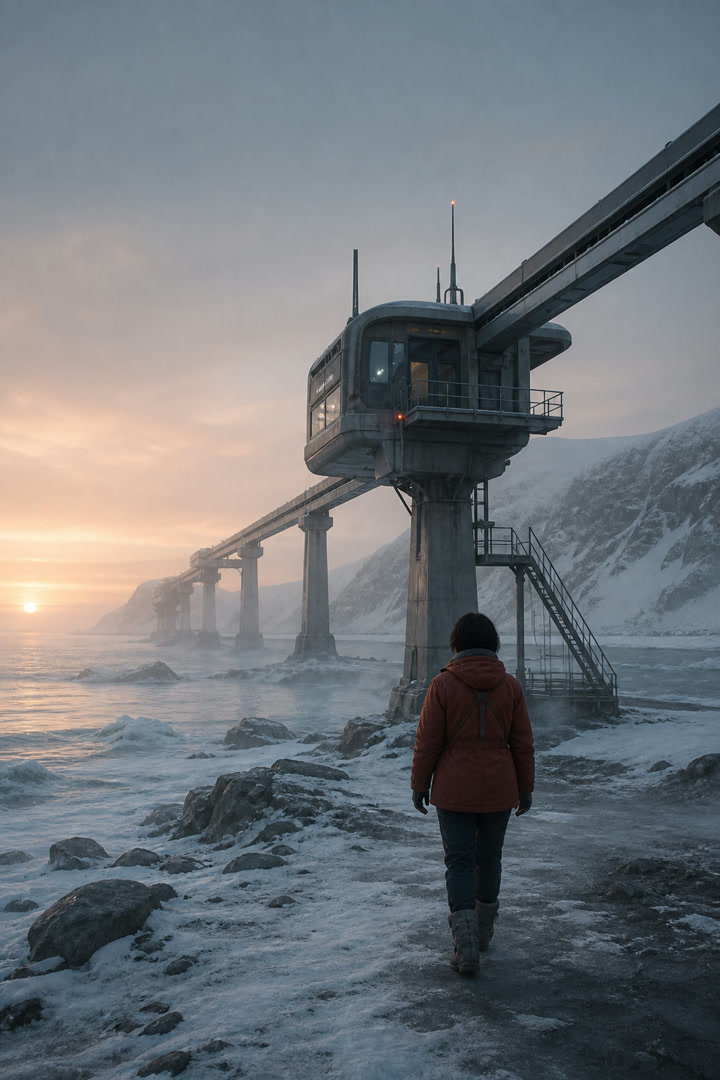
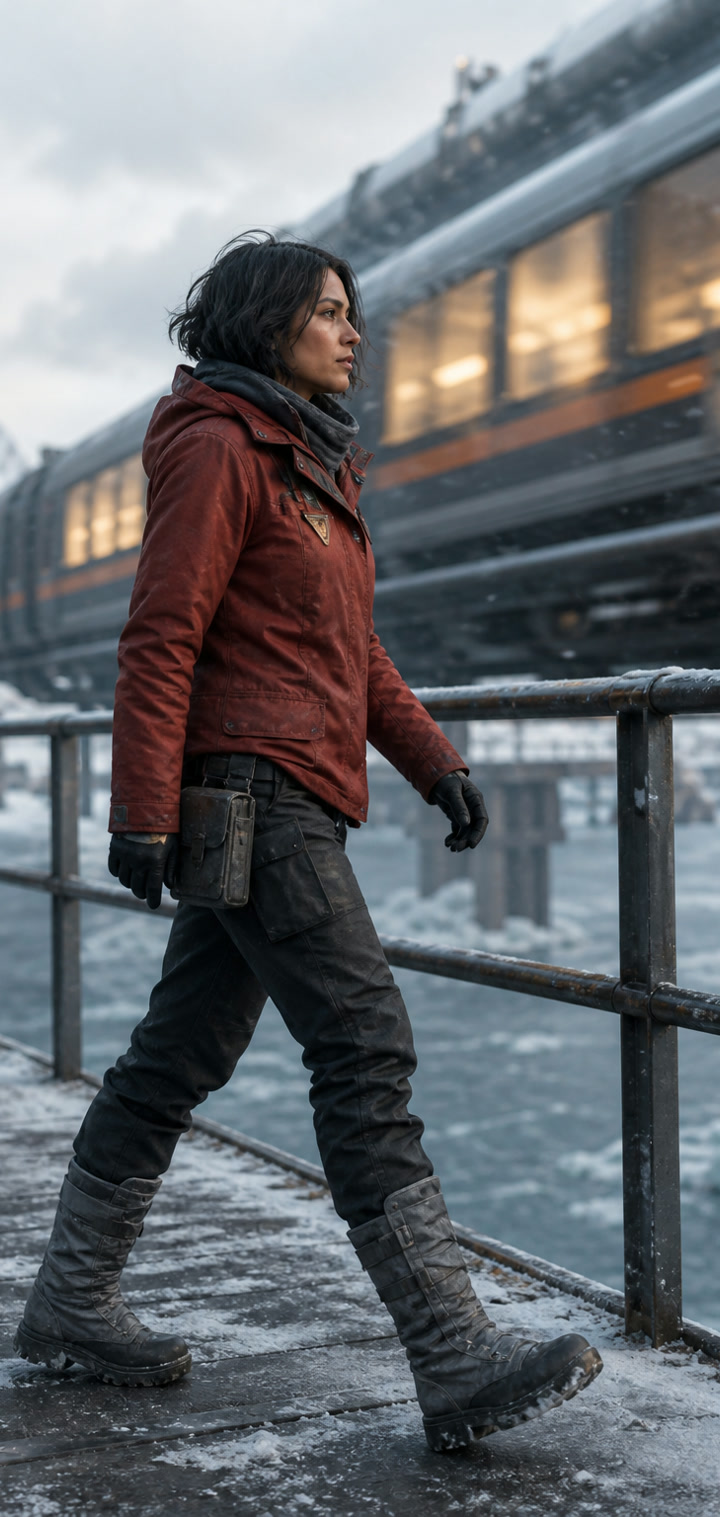

Reference-Directed AI Video
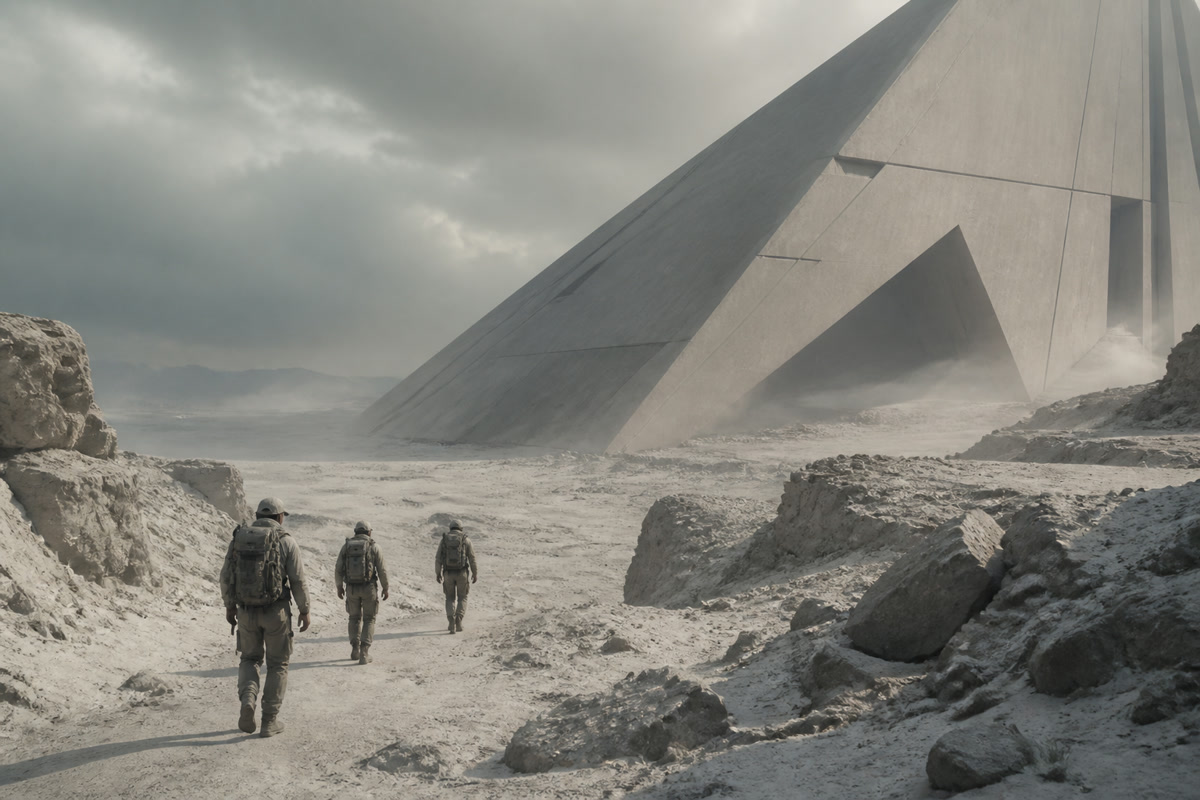
Use the first frame to establish the subject, framing, palette, and scene before the model adds motion and camera movement. Keep this decision in your brief so revisions stay easy to compare.

Add both the first and last frames when the shot needs to move toward a specific pose, composition, reveal, or visual transformation. Keep this choice beside the brief and the result. A clear record makes deliberate changes easier to compare as the project moves toward delivery. Place this guidance beside the relevant asset and approval note. That makes the reason for each decision clear when another reviewer returns to the project later.
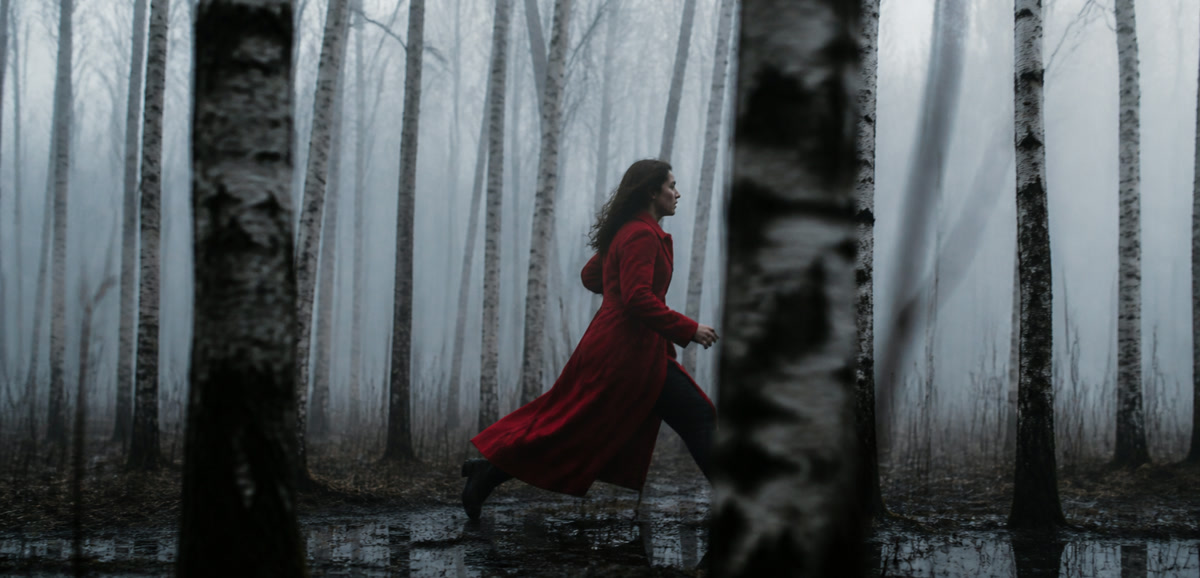
Compatible models can use additional image, video, or audio references to more precisely describe their identity, style, actions, and sounds. Keep this decision in your brief so revisions stay easy to compare. Add this choice to the brief so each revision has a clear reference.
Save outputs, prompts, and model settings in the generation history so you can adjust motion without losing your successful visual baseline. Keep this decision in your brief so revisions stay easy to compare. Add this choice to the brief so each revision has a clear reference. Keep this choice beside the brief and the result. A clear record makes deliberate changes easier to compare when the project moves from an experiment to a finished deliverable.
Model routing for visual references
Choose this model when the brief depends on more than a sentence or one opening image. Its family spans lightweight trials through high-definition, source-heavy production.
The Lite tier makes frequent exploration practical, while the broader family leaves room for richer reference packages and higher-definition delivery.
Choose Kling when a single action needs room to develop or when the beginning and end of the shot are already designed.
Hailuo is a focused choice when the visual is already selected and the remaining task is to discover the right movement at a controlled cost.
It holds the source images and is at the heart of the workflow from upload to final production.
Start with a clear first frame. Add a final frame for a directional transition, or add additional references to support if your identity, style, or environment requires further guidance. Keep this decision in your brief so revisions stay easy to compare.
Use frame generation to control the first frame or the first and last frames. Choose Omni Reference when compatible models support a broader reference-driven workflow. Keep this decision in your brief so revisions stay easy to compare. Add this choice to the brief so each revision has a clear reference.
Describe subject movement, camera actions, and exit behavior, select available output settings, and generate and review results. Keep this decision in your brief so revisions stay easy to compare.
Test camera movement and reveals while checking that shape, material, and markings stay recognizable.
Add restrained expressions and gestures to an approved portrait or character design.
Introduce depth and movement without replacing the composition that gives the image its meaning.
Use compatible opening and ending frames to direct a reveal, transformation, or layout change.
Animate renders into guided reveals while protecting geometry and design intent.
Frequently asked questions about animating images and using frame or reference controls in BestAIVideo. Keep this decision in your brief so revisions stay easy to compare.
Image-to-video AI converts still images into videos, using uploaded photos as a visual guide. Depending on the selected mode and system, the image may define only the first frame, both start and end frames, or a broader set of visual sources. Prompts then direct subject movement, environment movement, and camera movement. This process is useful when a character, product, composition, or art direction already exists and needs to remain recognizable during animation. Keep the review grounded in the actual output. For a reliable production review, turn this guidance into a brief before running the next test. State the intended audience and delivery channel, list the references that establish identity or style, and note which details must remain unchanged. Keep the camera endpoint, timing, sound cues, and approval threshold beside the plan. Inspect the returned media at the size where it will actually be published, identify the first meaningful mismatch, and make one controlled revision. Preserve a successful take as a baseline so another editor can understand the evidence and reproduce the decision without spending credits on unrelated experiments.
Choose a clear image large enough for the main subject to stand apart from the background. Clean composition, believable poses, and visible details give the system stronger evidence for movement. Avoid heavy compression, accidental cropping, unreadable text, and conflicting viewpoints unless they are intentional. Leave space in the direction the subject or camera should move. The image establishes appearance; the prompt should explain the action rather than repeat every visible object. Keep the review grounded in the actual output. For a reliable production review, turn this guidance into a brief before running the next test. State the intended audience and delivery channel, list the references that establish identity or style, and note which details must remain unchanged. Keep the camera endpoint, timing, sound cues, and approval threshold beside the plan. Inspect the returned media at the size where it will actually be published, identify the first meaningful mismatch, and make one controlled revision. Preserve a successful take as a baseline so another editor can understand the evidence and reproduce the decision without spending credits on unrelated experiments. For an accountable handoff, keep the brief beside the test result and note the intended audience, playback surface, asset roles, timing checkpoints, audio priorities, and approval threshold. Compare the actual media at the size and speed where it will be used, identify the first material difference, and change one cause at a time. This leaves a reproducible trail for another editor, keeps successful work available as a baseline, and prevents a new experiment from mixing unrelated variables or spending credits without a clear question. When a result is accepted, record why it passed; when it is rejected, record the visible issue and the next measured adjustment. The goal is a review that can be understood later, not a promise that every generation will look identical.
Choose the first frame mode if you want to establish an opening takes in the uploaded image and allow the system to develop motion. If both endpoints are important and you need to guide the transition between them, choose first and last frame creation. Multimodal sources mode is for supported models that can choose multiple assets or sources types. BestAIVideo only displays modes that are acceptable for the selected system, so changing the system may change the available inputs and controls. Keep the review grounded in the actual output. For a reliable production review, turn this guidance into a brief before running the next test. State the intended audience and delivery channel, list the references that establish identity or style, and note which details must remain unchanged. Keep the camera endpoint, timing, sound cues, and approval threshold beside the plan. Inspect the returned media at the size where it will actually be published, identify the first meaningful mismatch, and make one controlled revision. Preserve a successful take as a baseline so another editor can understand the evidence and reproduce the decision without spending credits on unrelated experiments. For an accountable handoff, keep the brief beside the test result and note the intended audience, playback surface, asset roles, timing checkpoints, audio priorities, and approval threshold. Compare the actual media at the size and speed where it will be used, identify the first material difference, and change one cause at a time. This leaves a reproducible trail for another editor, keeps successful work available as a baseline, and prevents a new experiment from mixing unrelated variables or spending credits without a clear question. When a result is accepted, record why it passed; when it is rejected, record the visible issue and the next measured adjustment. The goal is a review that can be understood later, not a promise that every generation will look identical.
Describe movement in small, physically coherent steps and separate subject motion from camera motion. For example, say that fabric moves in a light breeze while the camera makes a slow push-in. Excessive action, rapid viewpoint changes, or directions that contradict the source pose can cause warping. Begin with restrained motion, review the result, and increase intensity gradually. If identity or product shape matters, keep the brief focused and compare models with the same source and similar settings. Keep the review grounded in the actual output. For a reliable production review, turn this guidance into a brief before running the next test. State the intended audience and delivery channel, list the references that establish identity or style, and note which details must remain unchanged. Keep the camera endpoint, timing, sound cues, and approval threshold beside the plan. Inspect the returned media at the size where it will actually be published, identify the first meaningful mismatch, and make one controlled revision. Preserve a successful take as a baseline so another editor can understand the evidence and reproduce the decision without spending credits on unrelated experiments. For an accountable handoff, keep the brief beside the test result and note the intended audience, playback surface, asset roles, timing checkpoints, audio priorities, and approval threshold. Compare the actual media at the size and speed where it will be used, identify the first material difference, and change one cause at a time. This leaves a reproducible trail for another editor, keeps successful work available as a baseline, and prevents a new experiment from mixing unrelated variables or spending credits without a clear question. When a result is accepted, record why it passed; when it is rejected, record the visible issue and the next measured adjustment. The goal is a review that can be understood later, not a promise that every generation will look identical. For a final review, preserve the approved source files and the exact settings used for the accepted pass. Check identity, composition, motion, pacing, framing, typography, dialogue, effects, and ambient sound independently rather than judging only the overall impression. Record the evidence in plain language, keep a rejected attempt available for comparison, and ask a focused question before changing the next setting. A documented baseline helps collaborators work quickly while keeping the creative decision and its supporting evidence together.
Choose frames that share compatible subjects, sequences geometry, and visual styles. Because the system has to infer transitions, extreme changes in identity, perspective, or illumination can cause movement instability. Describe the intended paths between frames, rather than simply restating the contents of the frames. Multimodal referencing gives each asset a clear purpose and avoids combining unrelated visual orientations. Supported file inputs, sources counts, and controls are updated in the form of the current system rather than expected by all providers. Keep the review grounded in the actual output. For a reliable production review, turn this guidance into a brief before running the next test. State the intended audience and delivery channel, list the references that establish identity or style, and note which details must remain unchanged. Keep the camera endpoint, timing, sound cues, and approval threshold beside the plan. Inspect the returned media at the size where it will actually be published, identify the first meaningful mismatch, and make one controlled revision. Preserve a successful take as a baseline so another editor can understand the evidence and reproduce the decision without spending credits on unrelated experiments. For an accountable handoff, keep the brief beside the test result and note the intended audience, playback surface, asset roles, timing checkpoints, audio priorities, and approval threshold. Compare the actual media at the size and speed where it will be used, identify the first material difference, and change one cause at a time. This leaves a reproducible trail for another editor, keeps successful work available as a baseline, and prevents a new experiment from mixing unrelated variables or spending credits without a clear question. When a result is accepted, record why it passed; when it is rejected, record the visible issue and the next measured adjustment. The goal is a review that can be understood later, not a promise that every generation will look identical.
The available settings depend on the selected image-to-video system and mode. BestAIVideo only exposes supported options such as playback time, aspect ratio, resolution, quality, and native audio. Match the results ratio to the source configuration to reduce unnecessary trimming and ensure enough time for the requested action. Generated videos remain in history along with prompts and settings, making it easier to compare models. Once the results are ready, you can open or download them according to your account permissions. Keep the review grounded in the actual output. For a reliable production review, turn this guidance into a brief before running the next test. State the intended audience and delivery channel, list the references that establish identity or style, and note which details must remain unchanged. Keep the camera endpoint, timing, sound cues, and approval threshold beside the plan. Inspect the returned media at the size where it will actually be published, identify the first meaningful mismatch, and make one controlled revision. Preserve a successful take as a baseline so another editor can understand the evidence and reproduce the decision without spending credits on unrelated experiments. For an accountable handoff, keep the brief beside the test result and note the intended audience, playback surface, asset roles, timing checkpoints, audio priorities, and approval threshold. Compare the actual media at the size and speed where it will be used, identify the first material difference, and change one cause at a time. This leaves a reproducible trail for another editor, keeps successful work available as a baseline, and prevents a new experiment from mixing unrelated variables or spending credits without a clear question. When a result is accepted, record why it passed; when it is rejected, record the visible issue and the next measured adjustment. The goal is a review that can be understood later, not a promise that every generation will look identical.
Upload your frames, choose the appropriate control mode, and create an image-to-video shot with the generator above. Keep this decision in your brief so revisions stay easy to compare.