
Frame the creative problem
Write the action, mood and camera intent, then attach a starting frame only when the concept needs a visual anchor.
Send the same creative direction through different AI video engines without rebuilding your setup. BestAIVideo keeps source media, shot controls, credit cost and results together so you can judge the work—not the dashboard.
Good output starts with a clear kind of control. Choose the lane that matches the material you have and the continuity the shot must preserve.
Begin with blocking, action and lens behavior in words. This mode is useful when the scene exists as an idea and no source frame should limit composition.
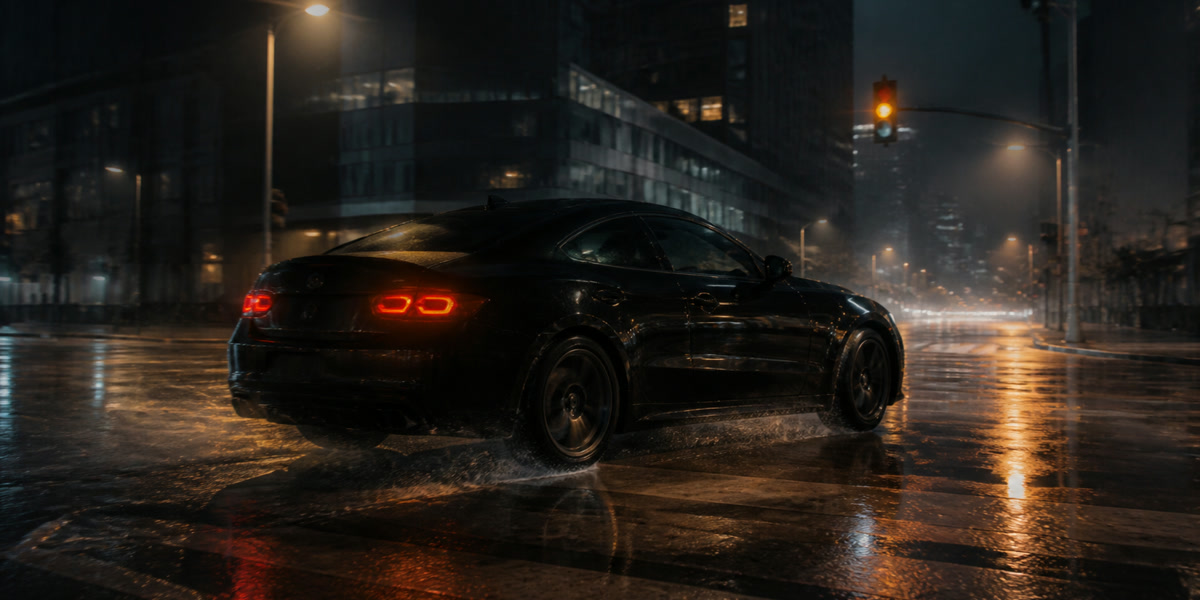
Treat a selected still as the visual contract. Add only the movement, timing and camera behavior required to turn that approved image into a shot.
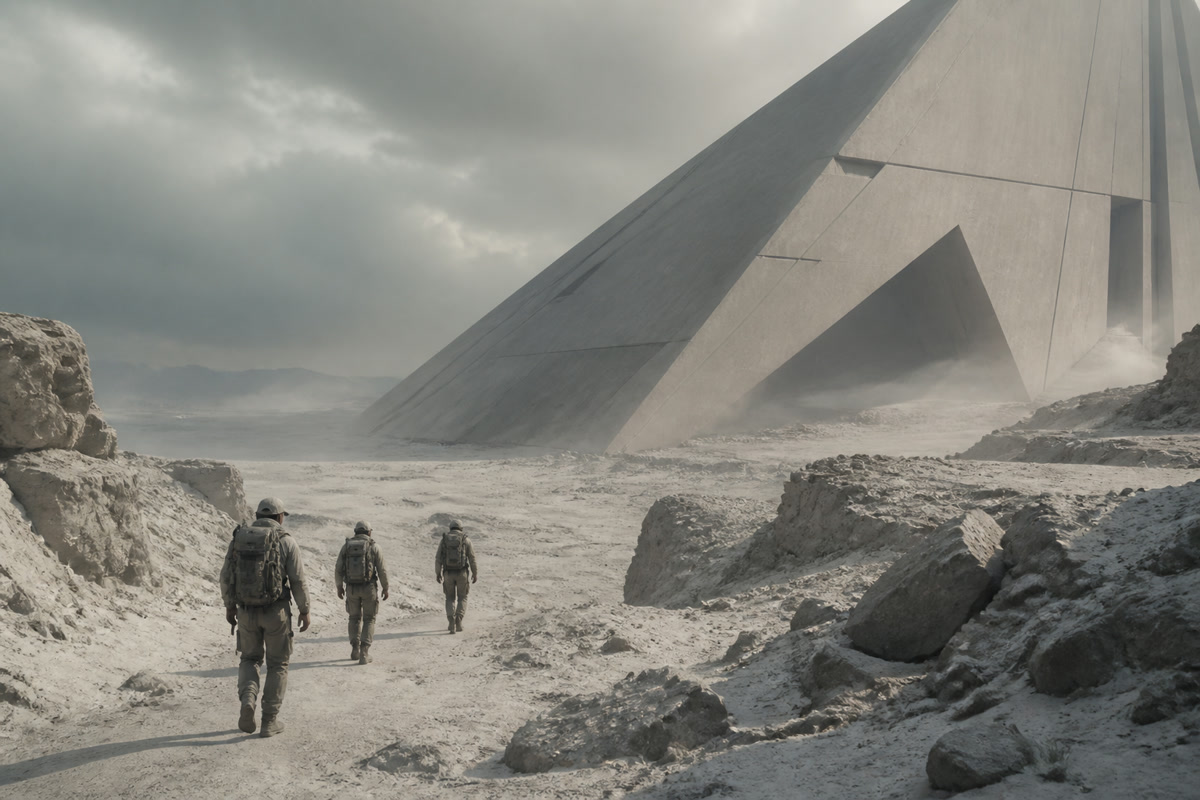
Write the path of the camera as deliberately as the subject action, from restrained push-ins to lateral tracking and orbiting product views.
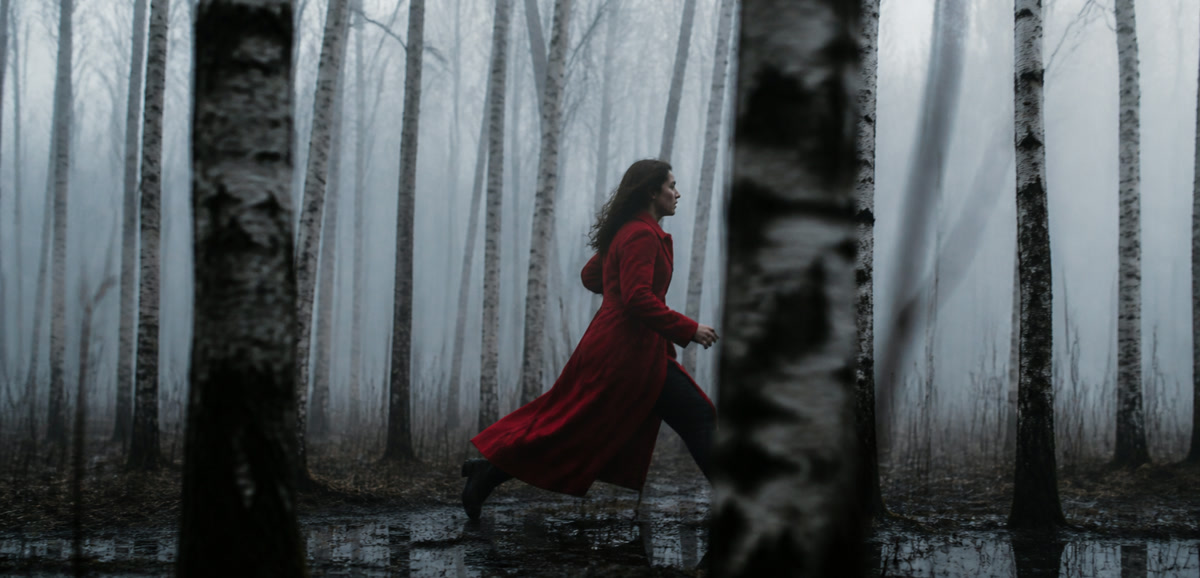
Supply visual anchors for the features that cannot drift, then vary setting, action or light around the same recognizable subject.
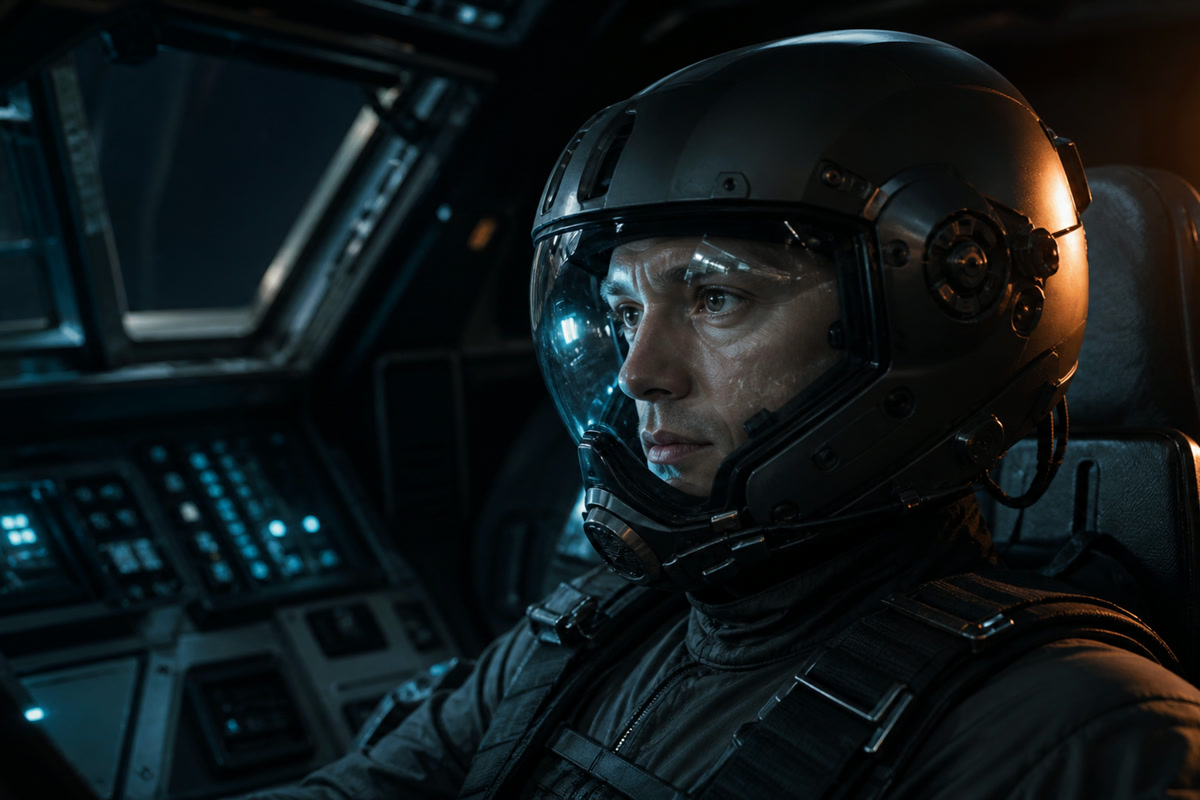
Define palette, weather, texture and production design as boundaries for the render instead of leaving the engine to invent a new look each time.

When audio belongs to the concept, send the shot to a model that can compose motion, ambience, effects or speech in the same production pass.
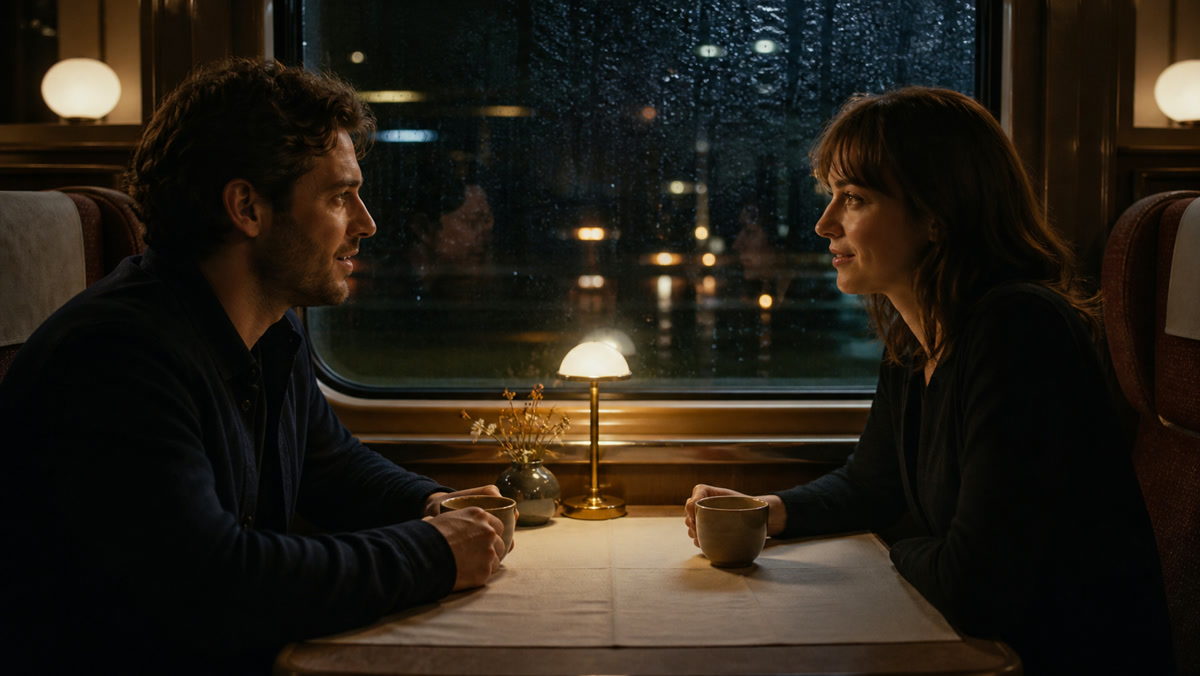
A compact production loop for testing motion, comparing engines and preserving the decisions behind every render.
Write the action, mood and camera intent, then attach a starting frame only when the concept needs a visual anchor.
Pick the model family whose strengths match the shot instead of forcing every concept through the same generator.
Lock format, length, definition and sound choices before credits are committed.
Inspect the output, reopen its production settings and build the next variation from evidence rather than memory.
Use the same production record for social hooks, product motion, visual lessons, client concepts and narrative experiments.
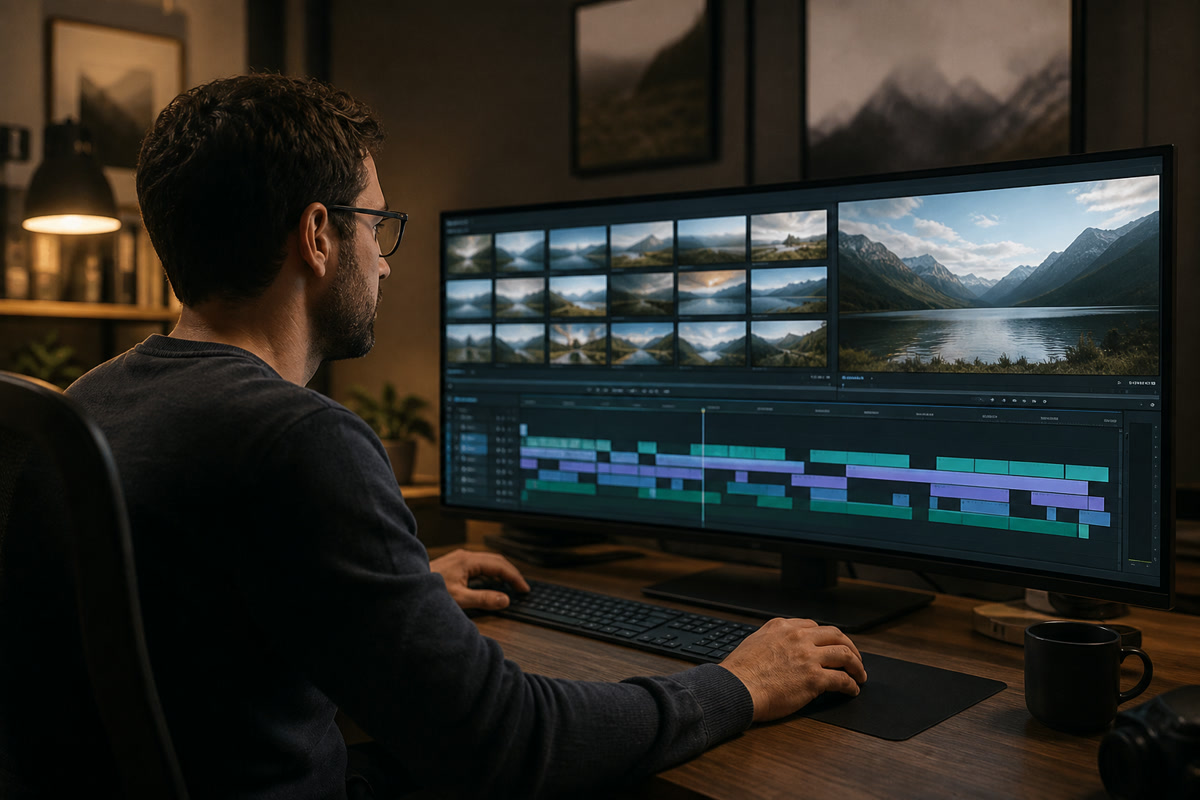
Build recurring openings, cutaways and story beats from a reusable visual brief, then carry proven settings from one episode into the next.
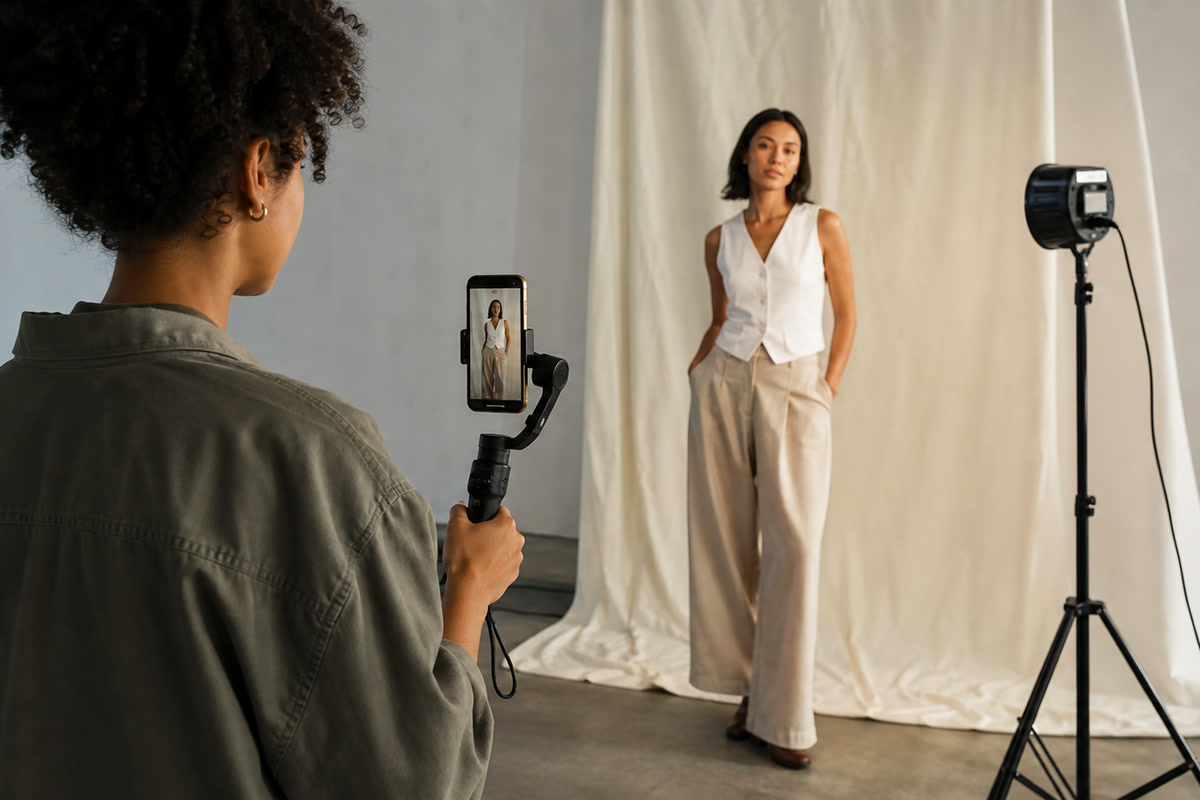
Plan 9:16 movement from the beginning, test several hooks and keep a repeated subject legible across fast social variations.
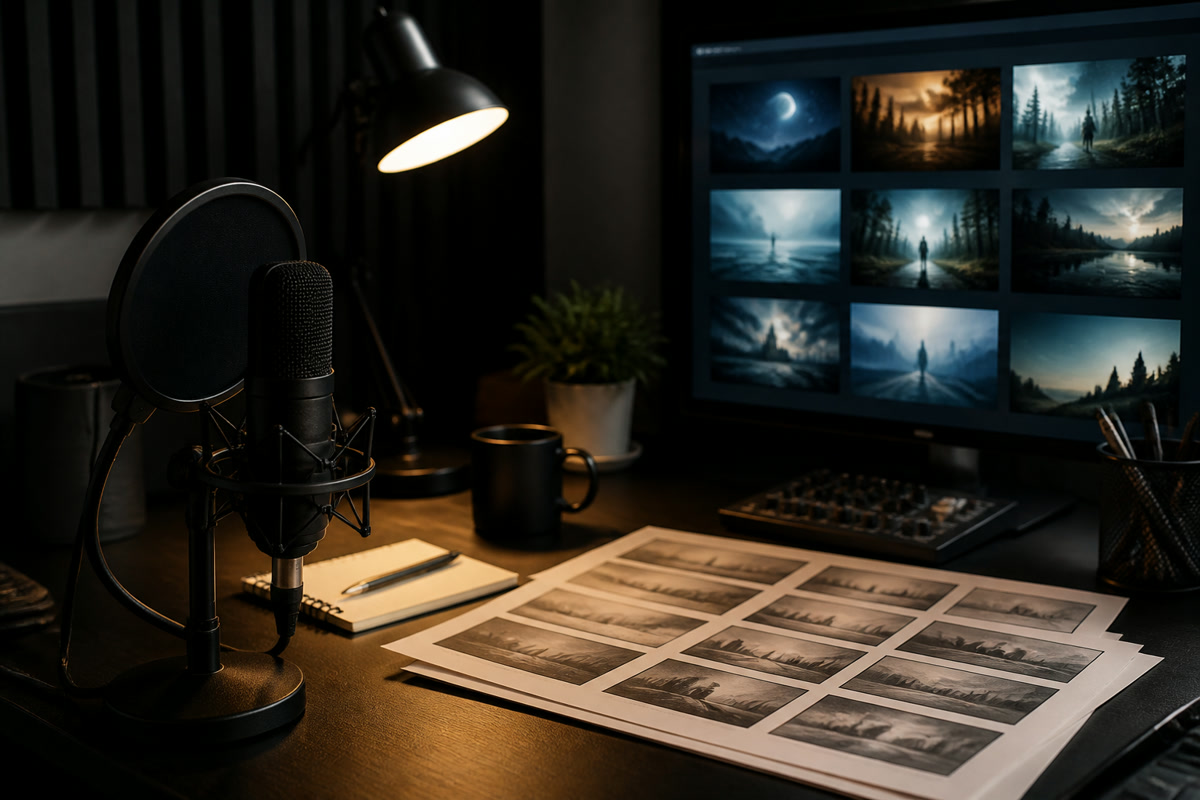
Pair voice-led scripts with generated locations, inserts and characters when the story needs visuals but not an on-camera presenter.
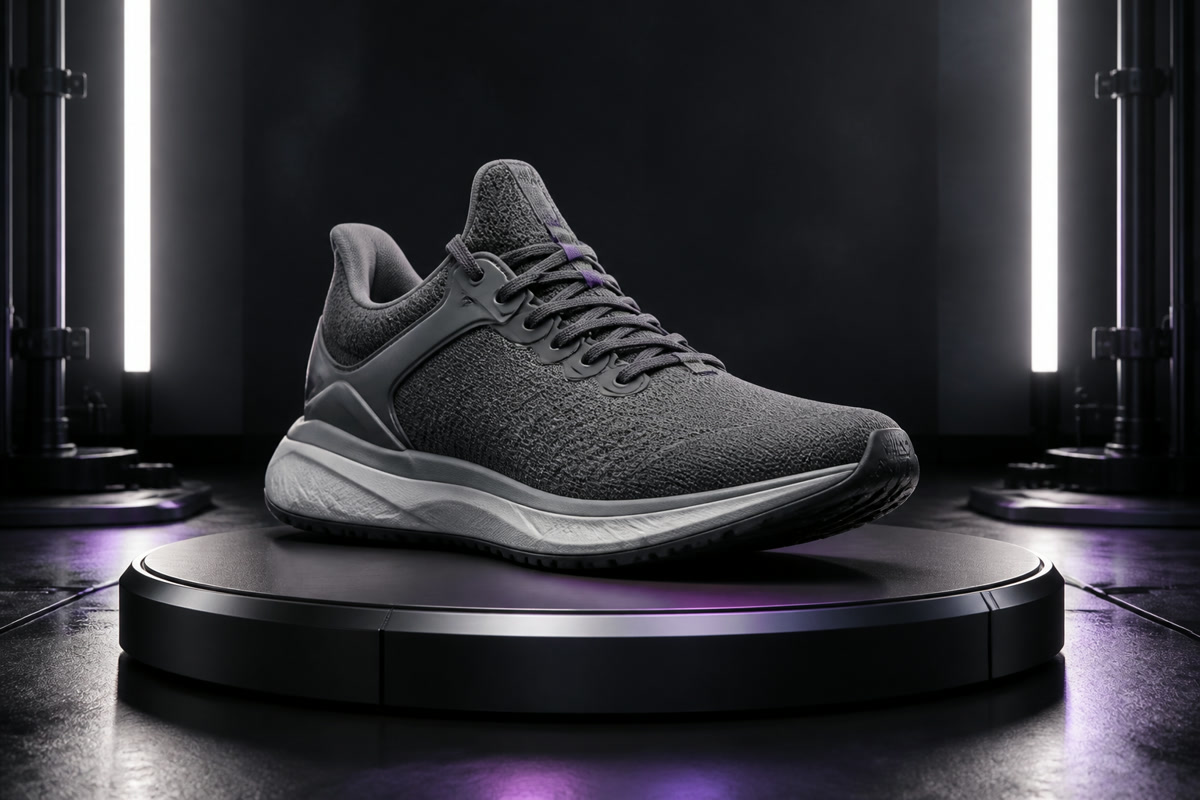
Use an approved packshot as the anchor for reveal moves, detail passes and alternate environments without redesigning the item.
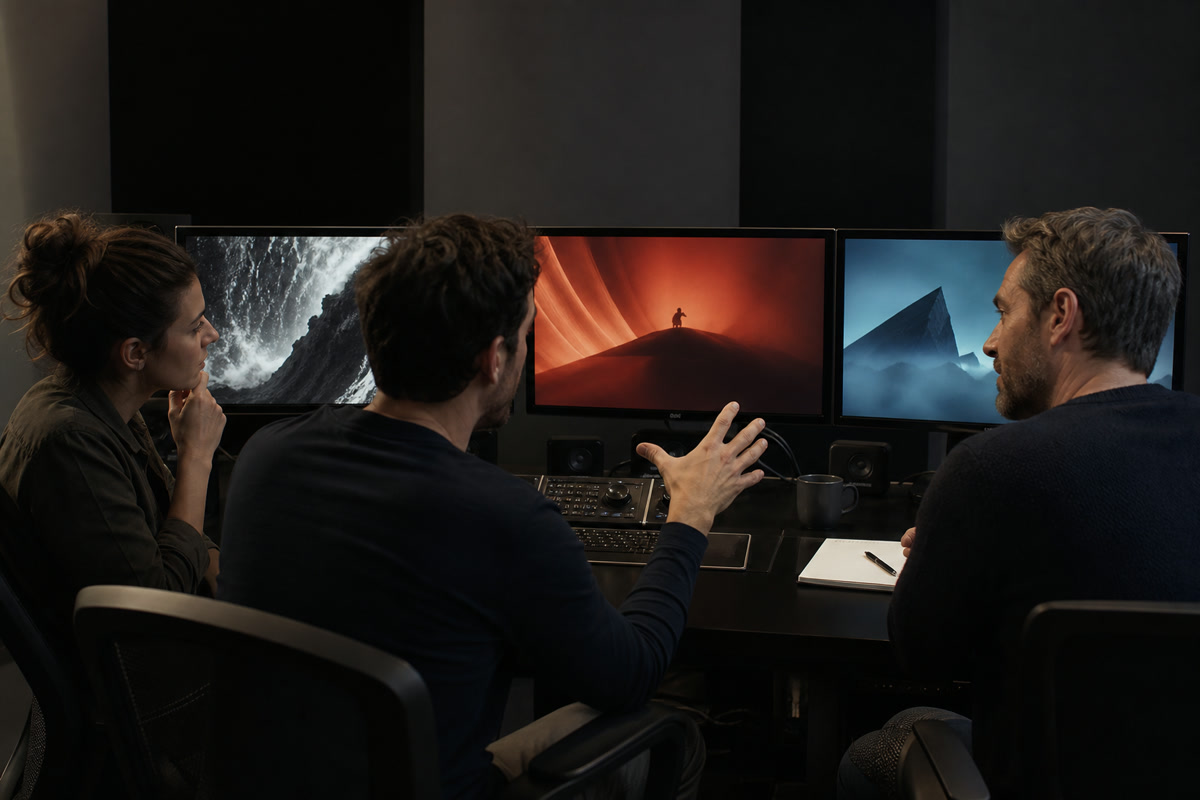
Render competing openings and camera treatments before spending production time on the concept that earns the strongest response.

Turn abstract lesson points into concrete demonstrations, spatial diagrams and short narrative examples that can be revised like any other scene.
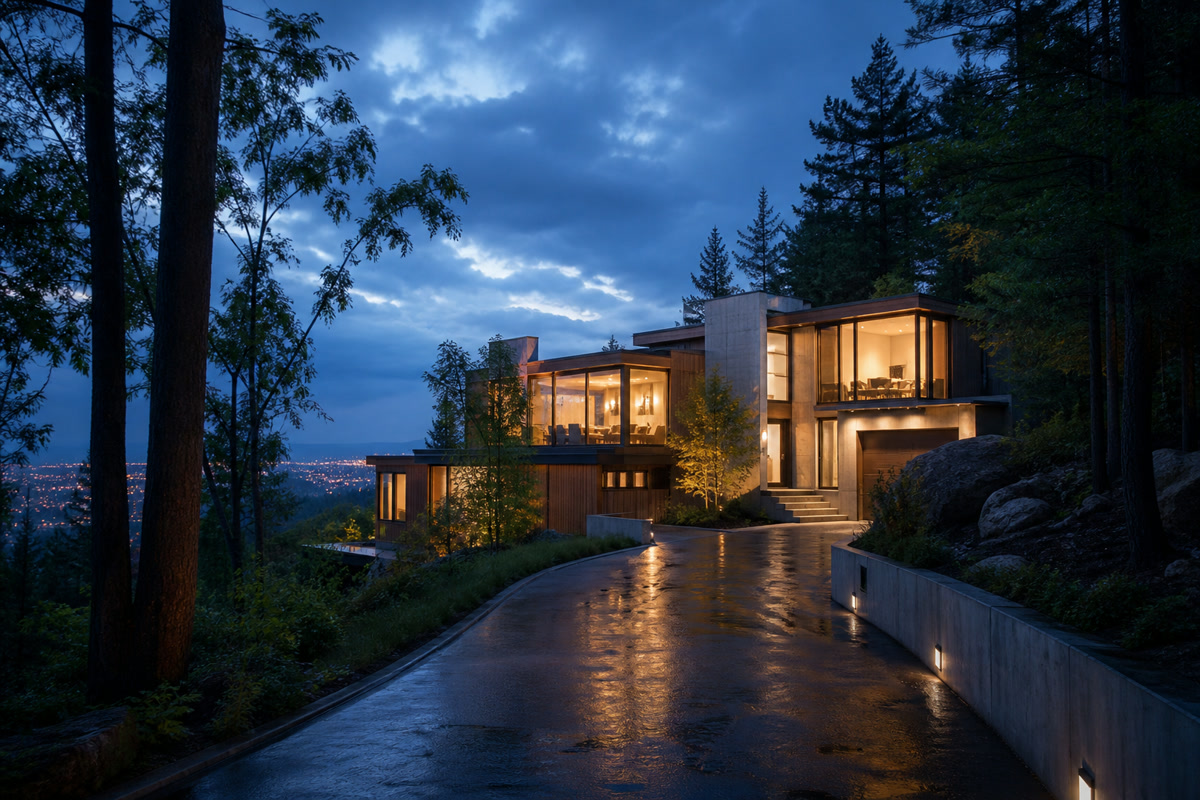
Move through architectural stills and unbuilt environments with measured camera paths suited to pitches, listings and planning reviews.
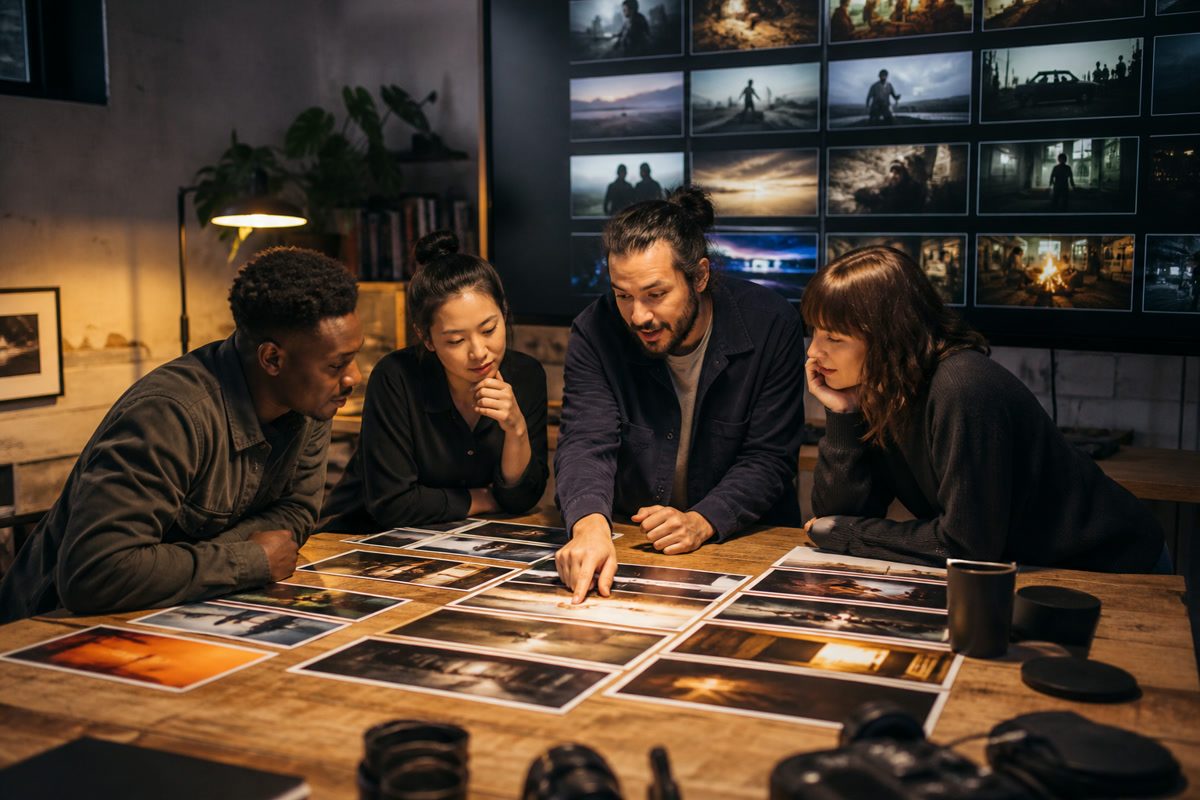
Separate each brief, source set and output while switching between brand languages, delivery formats and approval rounds.
A traceable shot desk
The useful part of a generation is more than the file. BestAIVideo keeps the brief, engine choice, source media and output together so the next decision begins with a complete record.
At polar dusk, an unmanned crawler descends a glassy crater road. Keep the camera inches above the ice while warm navigation lamps reveal powder thrown by the tracks.
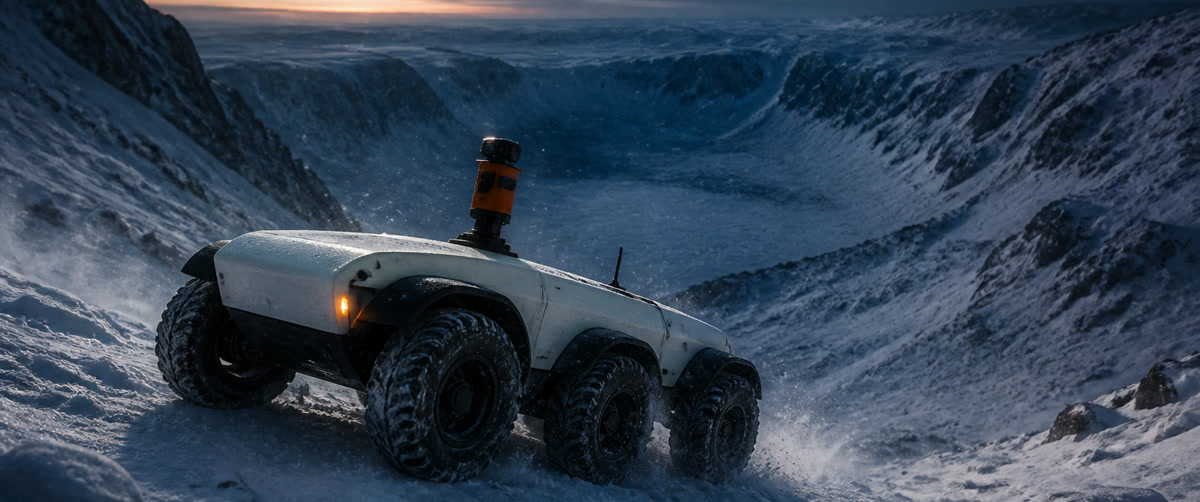
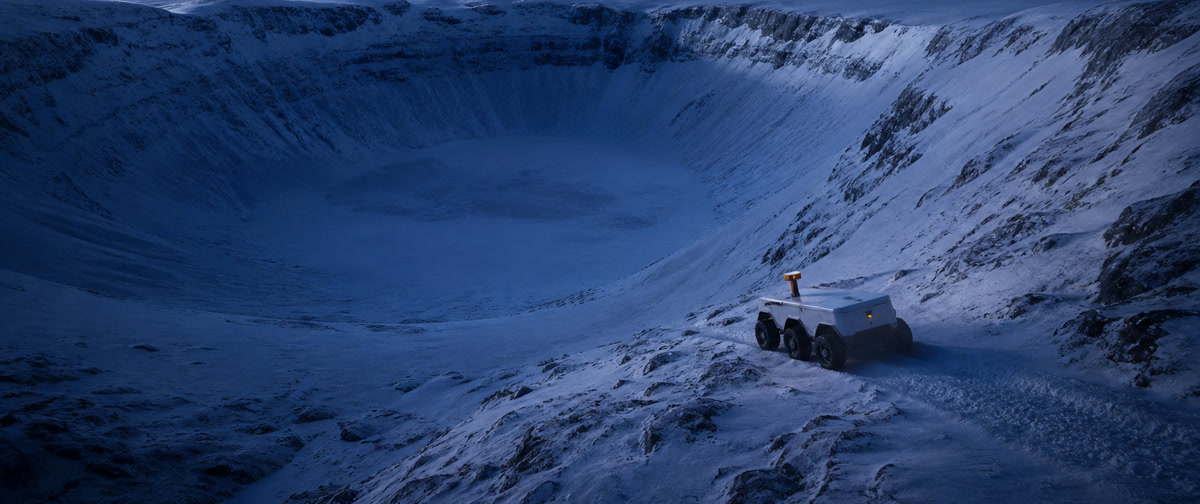 Establishing
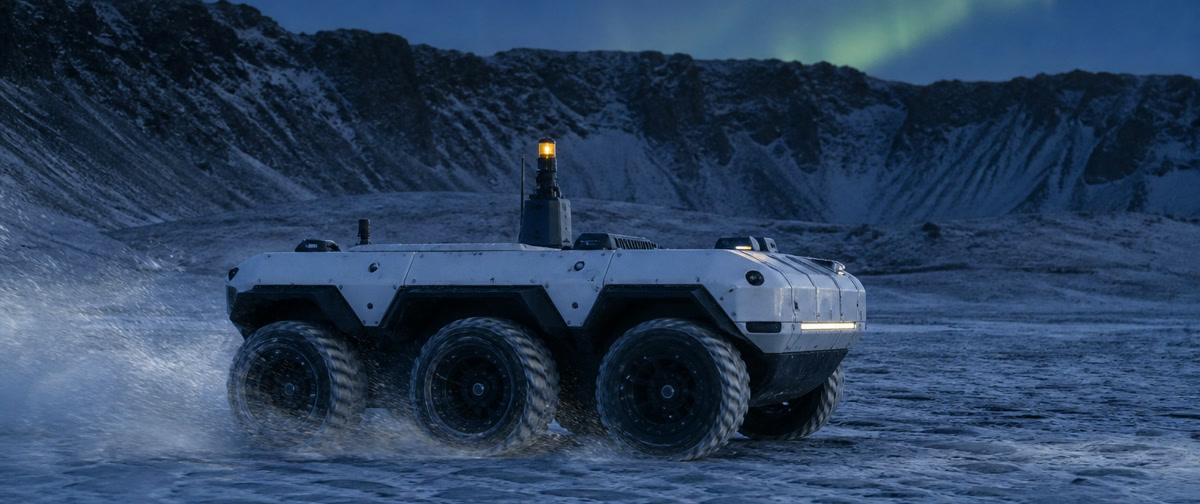 Tracking
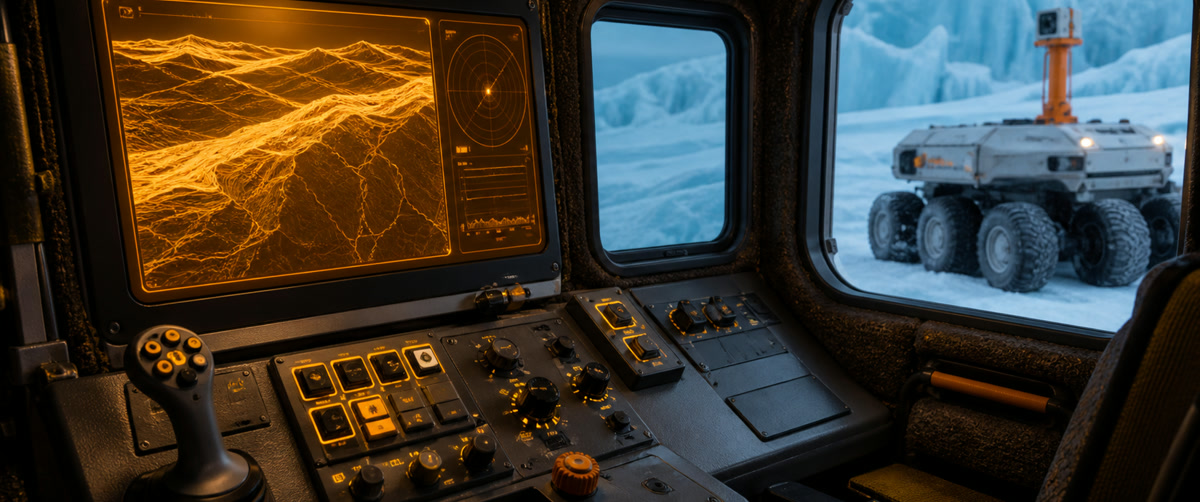 Cockpit
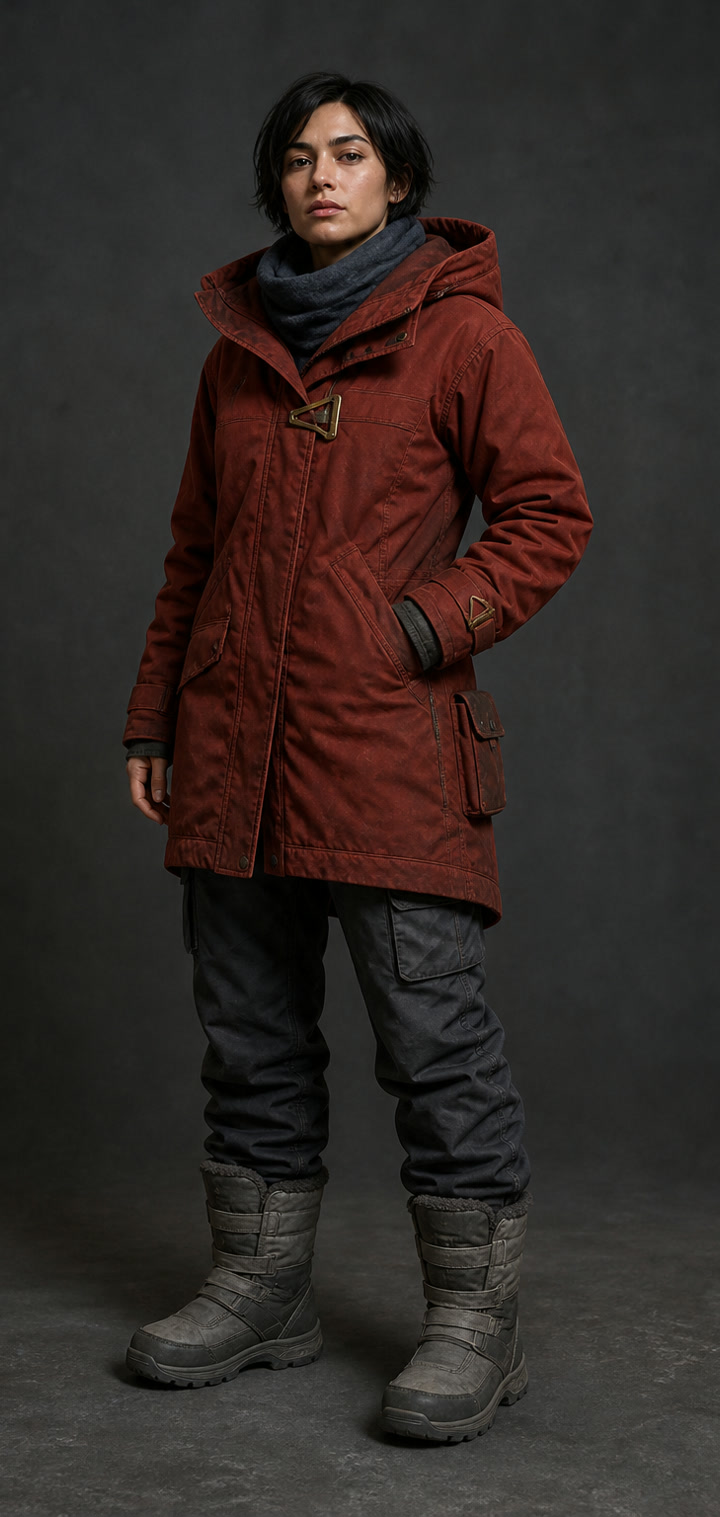
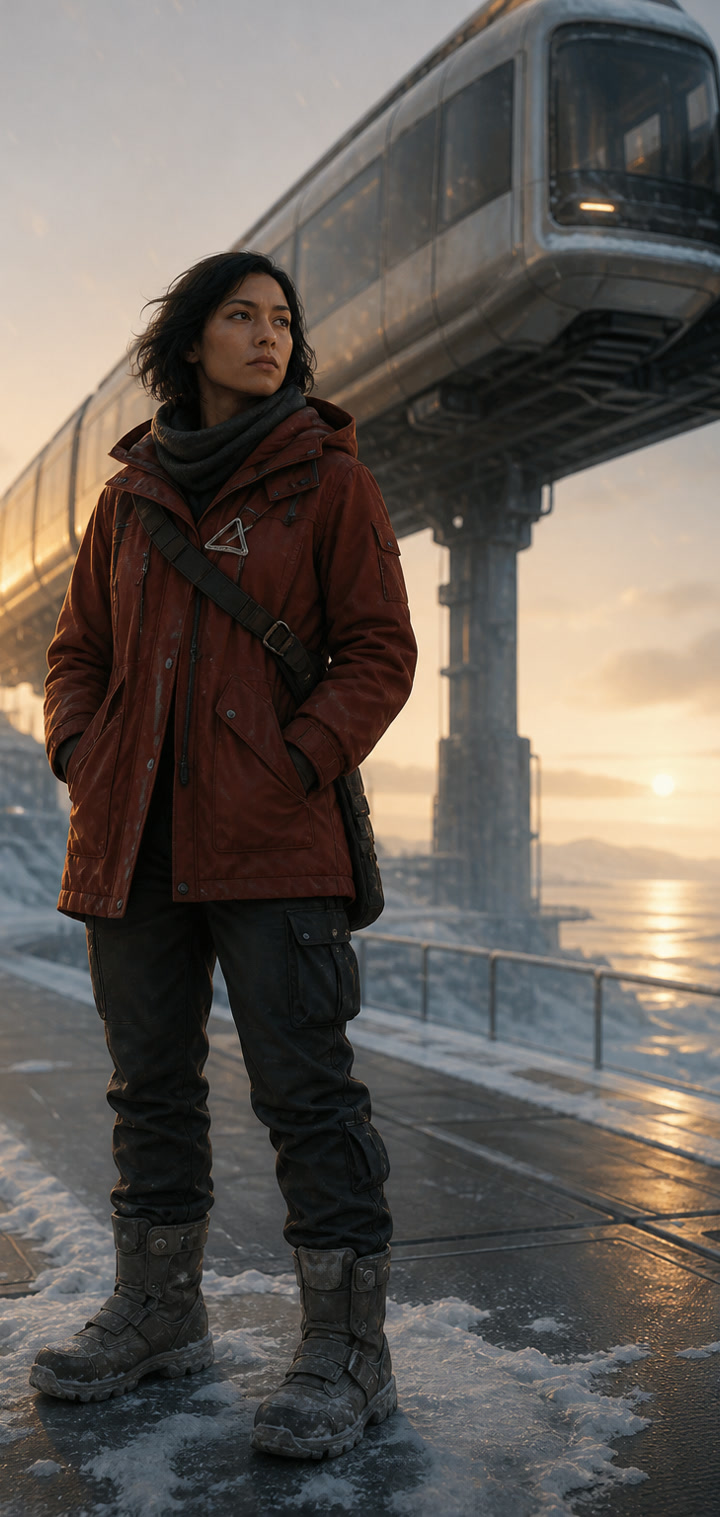
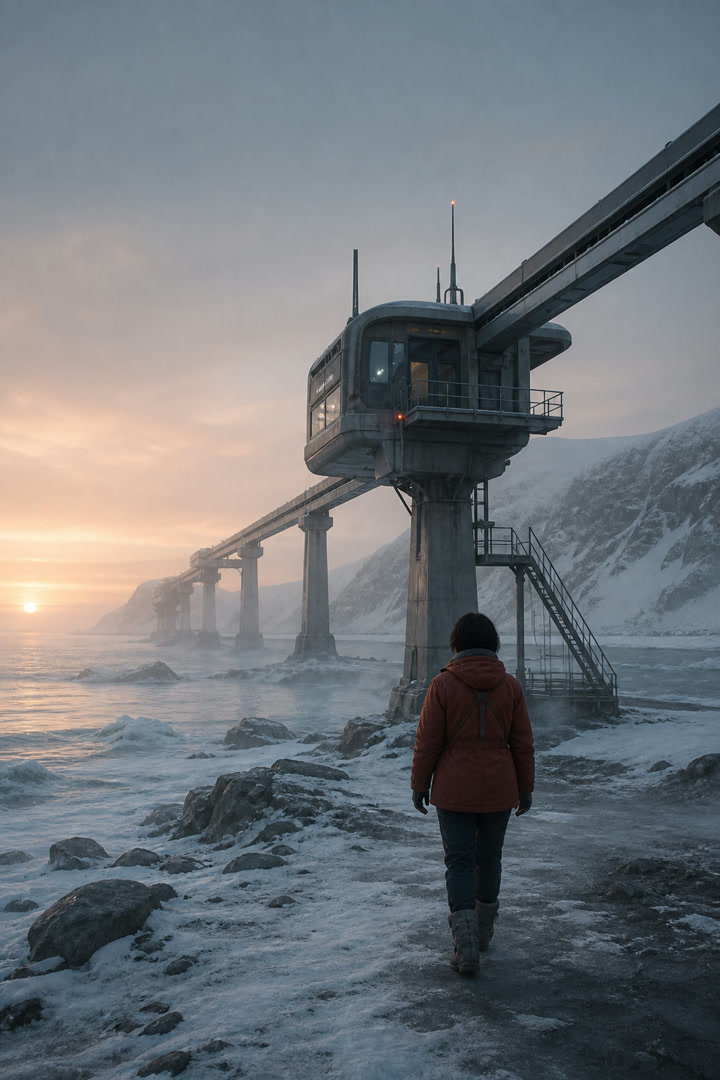
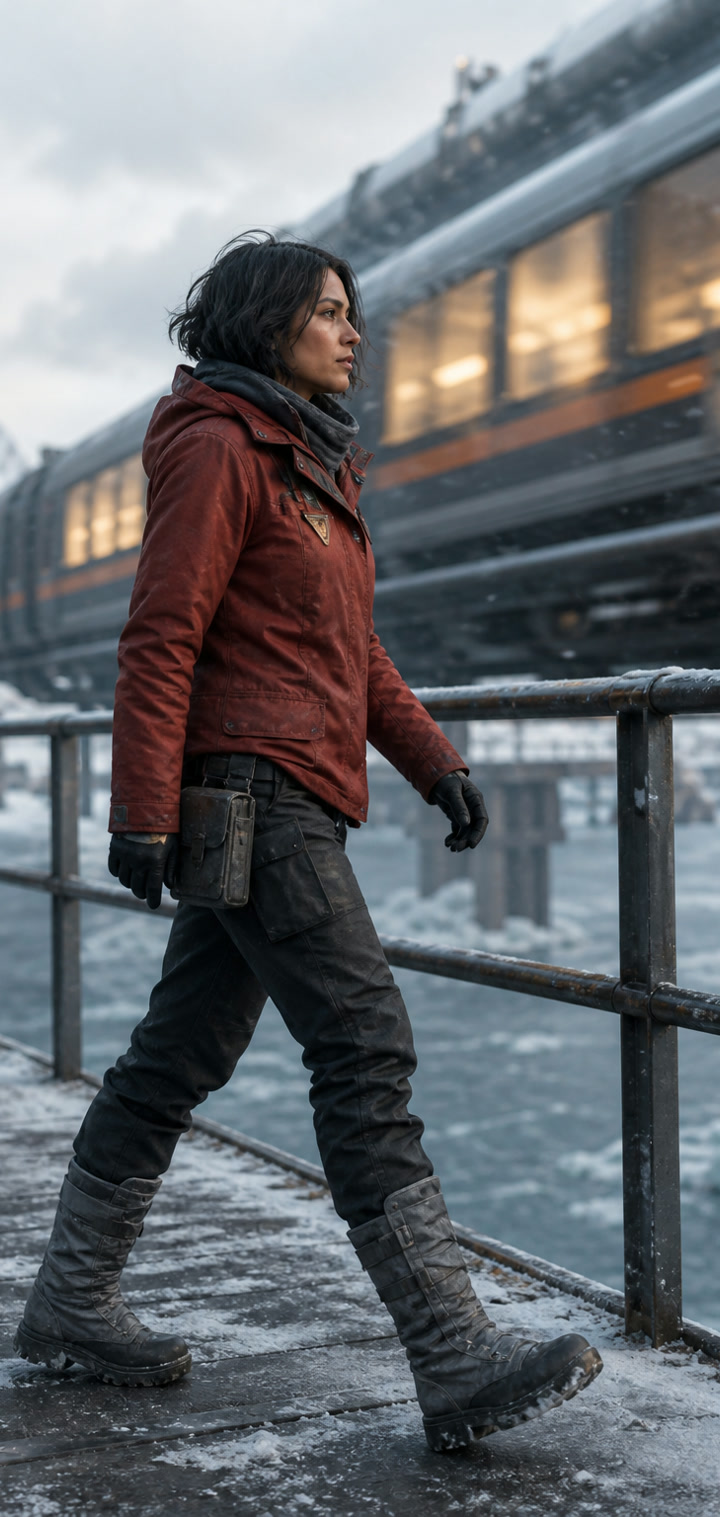
Design the anchor frame
Establish the subject, wardrobe, environment and lighting in a still first. That approved frame becomes a visual contract for the motion pass.


Move from proof to motion
Treat the source image as a production constraint, then describe only what should move: camera, subject, atmosphere and timing.
Compare the trade-offs that change a real production decision: accepted inputs, controllable duration, output definition, audio behavior, reference depth and credit range.
Choose this model when the brief depends on more than a sentence or one opening image. Its family spans lightweight trials through high-definition, source-heavy production.
Open from one frame, define both ends, or assemble a broader reference package when identity and staging need tighter boundaries.
Choose a compact proof or a 4K target without moving the project into a different interface.
Compatible versions can compose audible detail during the same pass as the picture.
Use Mini for inexpensive direction checks, Fast for iteration, or Standard when the final surface matters most.
The Lite tier makes frequent exploration practical, while the broader family leaves room for richer reference packages and higher-definition delivery.
Lite is positioned for repeated concept checks before committing to a more expensive finish.
Move from review-ready output toward a high-definition master when the selected version supports it.
Describe audible events alongside the visual direction instead of treating sound as an afterthought.
Use visual endpoints when the opening composition or closing beat must remain deliberate.
Choose Kling when a single action needs room to develop or when the beginning and end of the shot are already designed.
A longer window helps complete physical actions instead of cutting them off at the moment they become readable.
Select the delivery tier that matches quick review, campaign output or premium presentation.
Two visual endpoints give the motion a clear departure point and a deliberate landing.
Sound controls can support movement, impact and atmosphere inside the same render.
Wan is useful when the workflow begins with a brief or still but may later need a source-guided variation or direct transformation of existing footage.
Keep working when the next request is an edit or transformation rather than a completely new shot.
Choose between the supported 720p and 1080p targets according to the selected mode.
Attach still or moving references when the desired look already exists outside the prompt.
The editing mode treats a supplied clip as material to transform rather than something to recreate from scratch.
Use the lower-cost tiers to test many directions or longer beats, then carry the strongest brief into the model best suited to final delivery.
A small initial credit cost makes it easier to reject weak directions early.
Longer supported durations can reveal whether an action or sequence actually holds together.
Reference-driven modes help keep the exploration connected to supplied visual material.
The current variants prioritize 720p output for fast evaluation and iteration.
Hailuo is a focused choice when the visual is already selected and the remaining task is to discover the right movement at a controlled cost.
Use a lower-cost pass to validate movement before upgrading the same direction.
Standard and Pro separate everyday trials from the shots that deserve extra surface quality.
Eligible versions can finish at 1080p once the motion has been approved.
The workflow is organized around animating a supplied image rather than inventing the entire scene.
A direct guide to model choice, source material, credit use, generation time, audio and ownership of the final workflow.
Different engines fail and succeed in different places. BestAIVideo keeps one brief and its source material intact while you send the same shot to another model, making comparisons faster and production decisions easier to explain.
Use it for narrative beats, campaign variations, moving product views, social openings, visual explanations, pitch frames and previsualization—any task where several motion options must be reviewed before one is chosen.
The workspace groups models by the input and controls they actually accept. Seedance, Veo, Kling, Wan, Grok Imagine, Hailuo and other connected families appear only through supported configurations.
Yes. Depending on the model, the starting package may include one frame, two endpoints, several still references or moving material. Unsupported input fields stay out of the form.
When an engine can compose audio, sound direction travels with the visual brief. Models without native audio do not pretend to offer the same control.
Identify the hardest constraint first: duration, identity, endpoint control, definition, sound, speed or budget. Choose the model around that constraint, then compare the resulting evidence.
The task remains attached to its brief and settings while queued or running. You can leave the page, continue planning another shot and return to the same production record later.
The visible estimate reflects the selected engine and active controls before submission. Length, definition, sound and model can change the amount, so the form recalculates as the setup changes.
Commercial use depends on the connected engine, the rights to supplied material and the active account terms. Confirm those conditions for the selected model before publishing client or campaign work.
Open its production record and recreate an editable setup. The brief, model and supported controls return together, so revision begins from the actual winning configuration.
Start with the material already available, test the right AI video model, and keep the full path from brief to finished video.


